Website & Web Design · 8 min read
How to Know If Your Website Is Actually Working
Getting visitors and getting results are different things. Here's how to tell which one your website is doing.
 Mayowa AdejayanFounder, InsightWeave
Published
Ask most business owners whether their website works and you'll get an answer about how it looks. Appearance is the easiest thing to judge and the least connected to results. A working website is one that reliably moves the right people from arrival to action.
Here are the signals worth checking, roughly in the order a visitor experiences them.
1. Traffic: are the right people arriving?
Volume alone tells you very little. Segment by source — search, direct, referral, social, paid — and look at whether growth is coming from people who could plausibly buy. A spike in traffic from irrelevant queries is not progress.
Useful question: which three pages receive the most first-time visits, and are those the pages you would choose as an introduction?
2. Engagement: do they stay and read?
Look at scroll depth, time on page relative to content length, and the share of visitors who view a second page. A high exit rate on a short contact page is fine. The same on a service page means the page failed to hold attention.
3. Conversion: does anything actually happen?
Define conversions before you measure them. For most businesses that's an enquiry, a booking, a call, a purchase or a qualified download. Track each one as a distinct event so you can see which page produces which outcome.
Conversion rate is only meaningful per page and per source. A blended site-wide figure hides everything useful.
4. Leads: are they good enough to work?
A rise in enquiries that your team can't sell to is a messaging problem, not a win. Ask sales two questions each month: are enquiries arriving with enough context, and are they the type of work you want?
5. Sales: does the website appear in closed deals?
Even in long, relationship-led sales cycles, the site plays a role — it reassures, it answers objections, it gets forwarded internally. Ask new customers what they read before contacting you. The answers usually surprise people, and they tell you which pages deserve investment.
6. CTA clicks: is the next step being taken?
Track clicks on primary buttons separately from form submissions. A high click rate with low submissions points at the form; a low click rate points at the offer, the wording or the placement.
7. User behaviour: where does the journey break?
Look at the common paths through the site and where they stop. Repeated back-navigation, rapid returns to search results, or heavy use of the site search box all indicate that something people expect isn't where they expect it.
8. Mobile performance: is the majority experience good?
Compare conversion rate on mobile against desktop. A large gap is normal in some sectors, but a very large gap usually means the mobile layout, forms or speed are failing. Test on a real device on mobile data, not just a resized browser window.
9. Page speed: is anyone waiting?
Slow pages lose visitors before content is judged at all. Focus on how quickly the main content becomes visible and usable, and on the largest offenders — oversized images, blocking scripts, too many third-party tags.
10. Search visibility: can people find you at all?
Check which queries you appear for, whether your key service pages are indexed, and whether titles and descriptions in the results describe the page accurately. Impressions without clicks often mean the listing text is the weak point, not the page.
Getting visitors vs getting results
These are separate systems with separate fixes. Traffic problems are solved with search, content, distribution and advertising. Results problems are solved with clarity, structure, proof and reduced friction.
The diagnosis is straightforward: if traffic is healthy and actions are rare, do not buy more traffic. You will pay more to lose more people. Fix the path first — How to Improve Your Website Conversion Rate covers the practical order.
Ten questions to evaluate your website this week
- 1Can a stranger describe what we do after five seconds on the homepage?
- 2What is the single most valuable action on our site, and can I complete it in under a minute?
- 3Which page brings in the most enquiries — and do we treat it as important?
- 4Which page loses the most visitors, and do we know why?
- 5How does our conversion rate on mobile compare with desktop?
- 6How long does our slowest important page take on a phone?
- 7What proof does a visitor see before the contact form?
- 8Which search queries bring people to us, and do they match what we sell?
- 9What do our new customers say they read before getting in touch?
- 10What one change would we make if we could only make one?
Conclusion
A working website is measurable. Pick three signals that map to a commercial outcome, review them monthly, and change one thing at a time so you can tell what caused the difference. Appearance can still matter — it just isn't evidence.
Continue reading
Website & Web Design
5 Signs Your Website Needs a Redesign
A redesign shouldn't just make your website prettier. It should make it work better. Here are the five signals worth acting on.
8 min read ·
Read Article →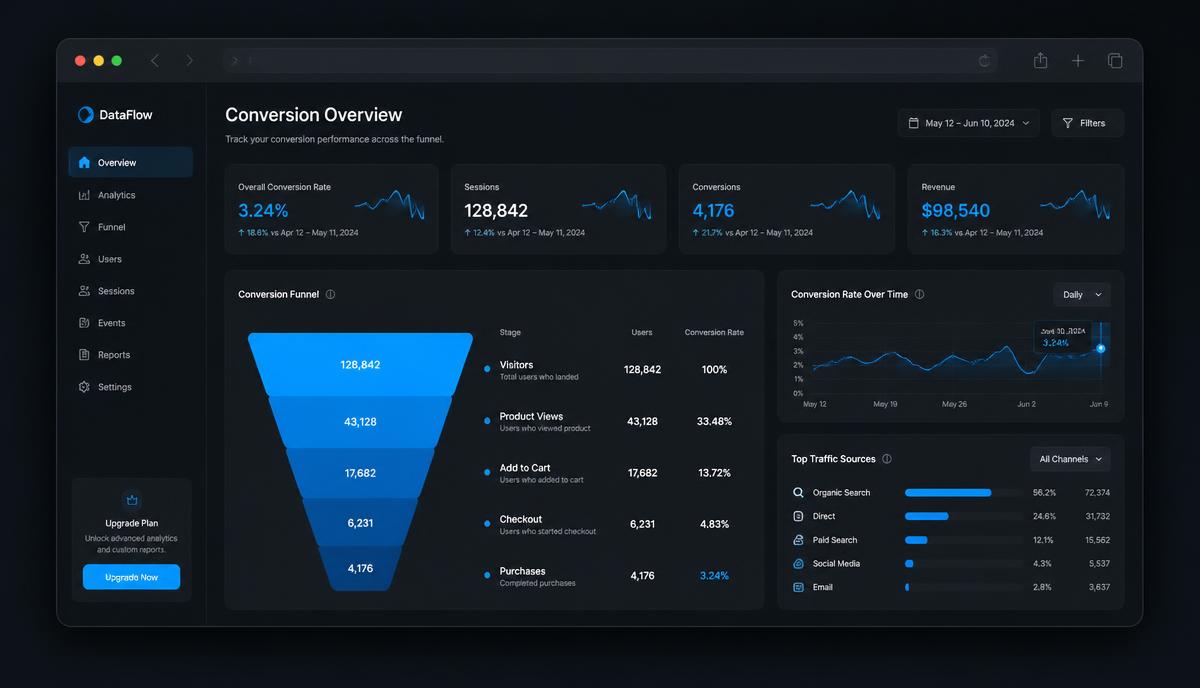
Conversion Optimization
How to Improve Your Website Conversion Rate
Conversion optimisation isn't tricks. It's removing the reasons the right visitors hesitate — in the order that matters.
9 min read ·
Read Article →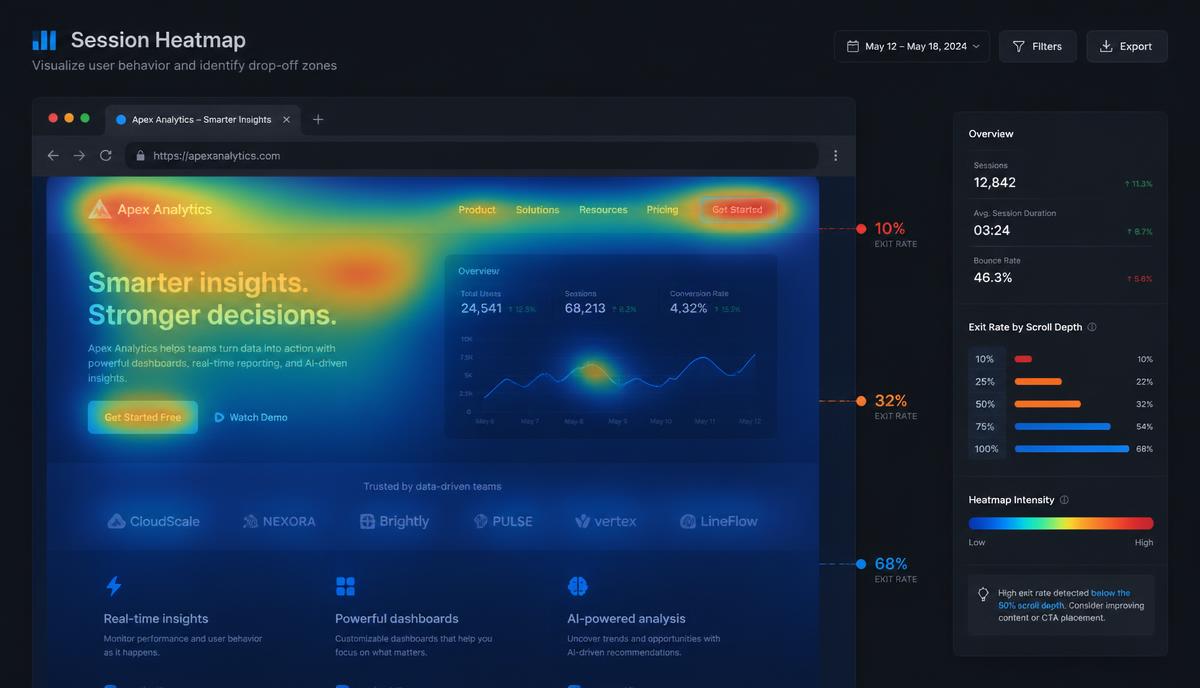
Conversion Optimization
Why Visitors Leave Your Website Without Buying
People rarely leave because they hate your business. They leave because something was unclear, unproven or hard work.
8 min read ·
Read Article →Want this applied to your business?
Start with a strategy call, or run a free Insight Audit™ and bring the findings with you.